

NEET SS 2026 Image Correction Window: Dates, Editable Details & Process
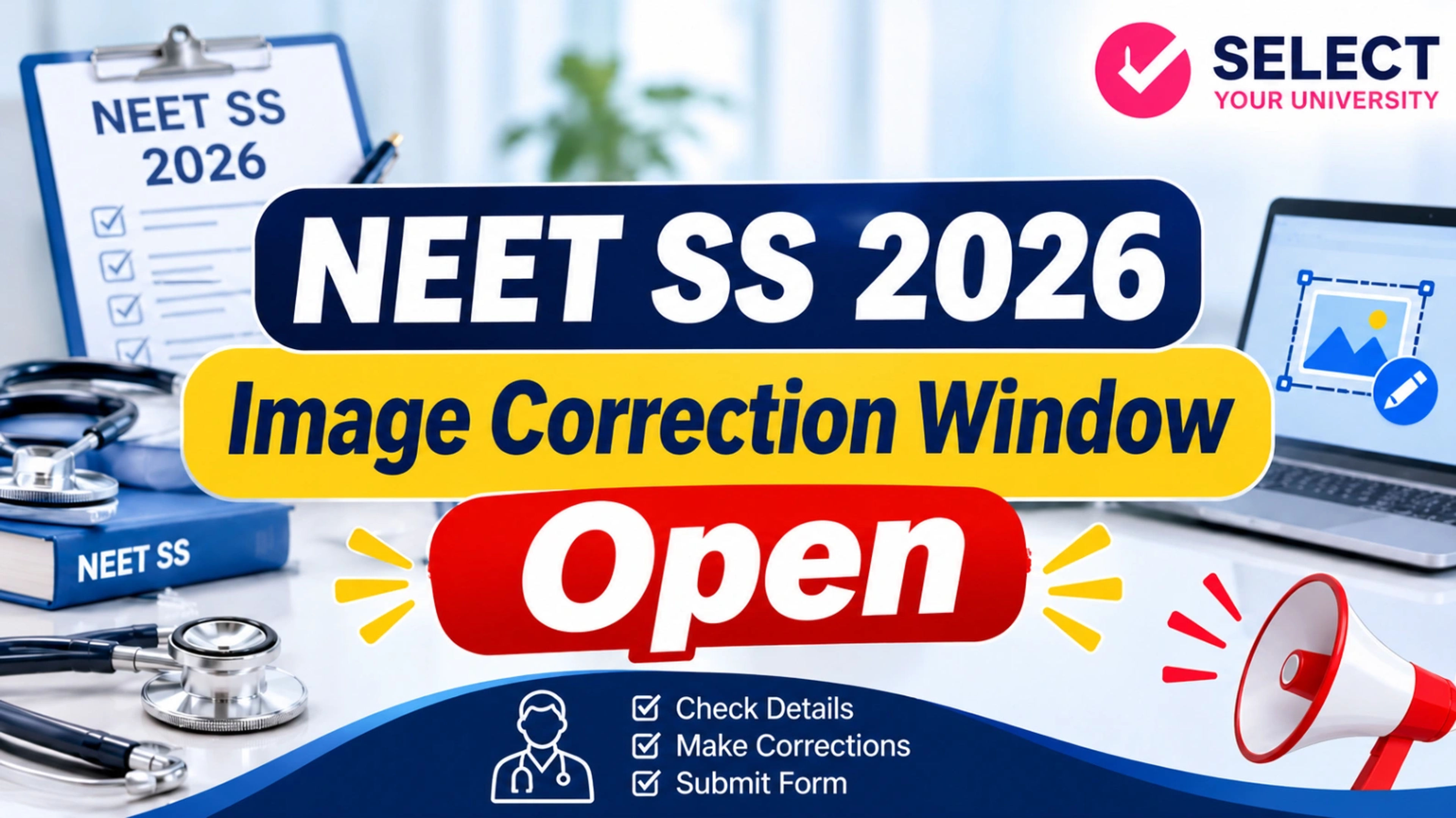 NEET SS 2026 Image Correction Window
 Open: The National Board of Examinations in Medical Sciences (NBEMS) will open the NEET SS 2026 image correction window on November 28, 2026. Students who uploaded incorrect, blurred, or unclear images during registration will be able to make the necessary corrections through this facility.
👉 Click for NEET SS 2026 Image Correction Window Open Direct Link Here
Dont Miss:NEET SS Previous Years Question Paper
The image correction facility allows students to replace photographs, signatures, or thumb impressions that do not comply with the prescribed specifications. Students must upload the corrected images by December 2, 2026. They should carefully review the image size, format, and other requirements before submitting the revised files to avoid any further application-related issues.
☎️ Talk to an Expert Counsellor – Get FREE Guidance ☎️ |
NEET SS 2026 Image Correction Window: Important Dates
Students can refer to the following table for the important dates related to the NEET SS 2026 image correction process.
Events | Dates |
NEET SS 2026 Image Correction Window Opens | November 28, 2026 |
Last Date to Correct Images | December 2, 2026 |
Which Details Are Editable During the NEET SS 2026 Image Correction Window?
Through the NEET SS 2026 image correction facility, students can modify or re-upload the images submitted during the registration process. The following three images can be corrected:
- Recent passport-size photograph
- Student’s signature
- Thumb impression
Students must ensure that the revised images follow the prescribed file size, format, and other guidelines. They should upload clear and properly formatted images to prevent discrepancies during further stages of the examination process.
How to Edit Images in the NEET SS 2026 Application Form?
Students can follow the steps below to update their images through the NEET SS 2026 application correction window:
- Visit the official NBEMS website.
- Navigate to the NEET SS 2026 examination section.
- Click on the selective edit window link.
- Log in using the registered User ID and password.
- Check which images have been marked for correction.
- Upload the revised photograph, signature, or thumb impression, as applicable.
- Preview the updated images and submit the corrected application form.
- Download and save the confirmation page for future reference.
Documents and Image Specifications Required for NEET SS 2026 Correction
Students should keep the required image files ready and ensure that all corrected uploads meet the specifications prescribed by NBEMS:
- Photograph: Recent passport-size colour photograph with a clear view of the student's face.
- Signature: Clearly scanned signature on a plain white background.
- Thumb Impression: Clear and properly scanned thumb impression.
- File Format: Upload images in the format specified in the official NEET SS 2026 information bulletin.
- Image Size: Ensure that each file meets the prescribed size and dimension requirements.
- Image Clarity: Avoid blurred, distorted, cropped, or poorly visible images.
- Background: Follow the prescribed background guidelines for each image.
Note: Students should refer to the official NBEMS information bulletin for exact file size, dimensions, and format requirements before uploading corrected images.
What to Do If the NEET SS 2026 Image Correction Link Is Not Working?
If students face technical issues while accessing the NEET SS 2026 image correction link, they can try the following solutions:
- Refresh the Page: Reload the NBEMS website and try opening the correction link again.
- Check Internet Connection: Ensure a stable internet connection before accessing the portal.
- Clear Browser Cache: Delete the browser's cache and cookies, then revisit the website.
- Use Another Browser: Try accessing the correction facility through an updated browser such as Chrome or Firefox.
- Avoid Peak Hours: Visit the portal during non-peak hours to avoid server-related issues.
- Check Login Credentials: Verify the registered User ID and password before logging in.
- Contact NBEMS: If the issue continues, contact the official NBEMS helpdesk for assistance.
NEET SS 2026 Image Correction: Important Instructions for Students
Students using the NEET SS 2026 image correction facility should follow these important instructions to avoid application-related issues:
- Make the necessary corrections between November 28 and December 2, 2026.
- Check the images marked for correction before uploading revised files.
- Upload a clear and recent photograph, signature and thumb impression, as applicable.
- Ensure all images meet the prescribed file size, format and dimension requirements.
- Preview the corrected images carefully before submitting the application form.
- Do not wait until the last date to make corrections.
- Download and save the confirmation page after successful submission.
- Keep the registered User ID and password confidential.
- Visit the official NBEMS website for updates and further instructions.
What Happens If Students Do Not Correct Defective Images?
Students who fail to correct defective or non-compliant images during the NEET SS 2026 correction window may face the following issues:
- Application Rejection: The application may be rejected if the uploaded images do not meet NBEMS requirements.
- Admit Card Issues: Students may face difficulties during admit card generation or verification.
- Identity Verification Problems: Blurred or incorrect photographs and signatures may create problems during identity checks.
- Disqualification Risk: Failure to meet the prescribed application requirements may affect eligibility to appear for the examination.
Note: Students should correct all images marked as defective by December 2, 2026, and follow the official NBEMS instructions.
☎️ Talk to an Expert Counsellor – Get FREE Guidance ☎️ |
Frequently Asked Questions
Ques: When will the NEET SS 2026 image correction window open?
Ans: The NEET SS 2026 image correction window will open on November 28, 2026, and remain available until December 2, 2026.
Ques: Which images can students correct in the NEET SS 2026 application form?
Ans: Students can correct or re-upload their photograph, signature, and thumb impression through the image correction facility.
Ques: Where can I access the NEET SS 2026 image correction link?
Ans: Students can visit the official NBEMS website to access the NEET SS 2026 image correction facility.
Ques: What login details are required to use the NEET SS 2026 correction window?
Ans: Students need their registered User ID and password to log in to the application portal and make the required image corrections.
Ques: What happens if I do not correct defective images in the NEET SS 2026 application form?
Ans: Applications with images that do not meet NBEMS specifications may face scrutiny or rejection. Students should correct all defective images within the prescribed deadline.