



GATE 2027 Photo and Signature Guidelines: Size, Format & Specs
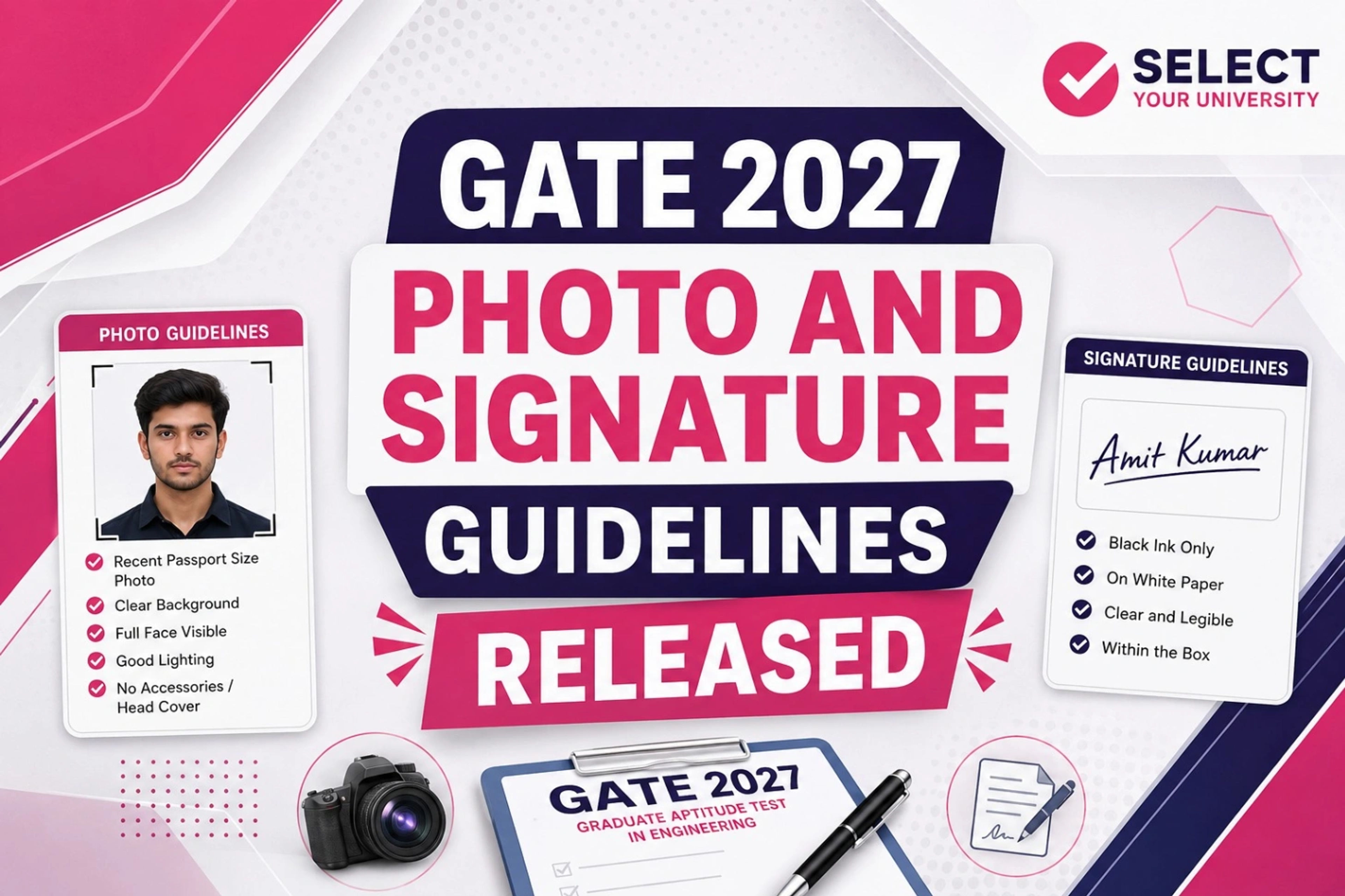 GATE 2027 Photo and Signature Guidelines
GATE 2027 Photo and Signature Guidelines: IIT Madras has commenced the GATE 2027 application process. Students interested in appearing for the GATE 2027 examination can visit the official website and complete the registration process. The last date to submit the application form without a late fee is September 27, 2026, while applications with a late fee can be submitted until October 5, 2026.
👉 Check the GATE 2027 Photo and Signature Guidelines Official Notification
While filling out the GATE 2027 application form, students must pay close attention to the document upload requirements. Uploading incorrect or improperly formatted documents is one of the common reasons for application rejection. Therefore, students should strictly follow the GATE 2027 image specifications and other guidelines prescribed by IIT Madras to avoid errors during registration.
Dont Miss:
☎️ Talk to an Expert Counsellor — FREE Call ☎️ |
|---|
GATE 2027 Application: Photo and Signature Specifications
The key GATE 2027 photograph and signature specifications are summarised below for students:
GATE Photograph Specifications | GATE Signature Specifications |
Must be scanned properly and should be recent, not more than 3 months old. | The signature must be made by the student using black or dark blue ink only. |
Dimensions: 3.5 cm × 4.5 cm; the student’s face should cover 30–35% of the photograph. | Upload the signature in JPG/JPEG format with a height-to-width aspect ratio of 1:R, where R is between 2.75 and 3.75. |
The photograph should have a clear white background. | After cropping, the signature should cover 70–80% of the available space. |
The face should not be covered by objects such as caps, spectacles, or sunglasses. | The signature must be done by the student only. |
The photograph must be in JPG/JPEG format with an aspect ratio between 0.66 and 0.89. | If the signature does not match at the examination, the candidature may be disqualified. |
Maximum resolution: 530 × 690 pixels; minimum resolution: 200 × 260 pixels. | Maximum resolution: 580 × 180 pixels; minimum resolution: 250 × 80 pixels. |
Maximum photograph file size: 600 KB. | Maximum signature file size: 300 KB. |
How to Upload Documents on DigiLocker?
Students can upload their documents to DigiLocker by following these simple steps:
- Visit the official DigiLocker website or open the DigiLocker app.
- Log in using the registered mobile number or Aadhaar-linked account.
- Go to the Documents or Uploaded Documents section.
- Select the Upload Documents option.
- Choose the required document from your device.
- Select the appropriate document type and upload the file.
- Verify the uploaded document and ensure that all details are clearly visible.
GATE 2027: Photograph and Signature Requirements
Students should follow the prescribed specifications while uploading their photograph and signature for the GATE 2027 application:
- Upload a recent photograph, not more than three months old.
- Photograph size should be 3.5 cm × 4.5 cm with a clear white background.
- The photograph must be in JPG/JPEG format and within the prescribed pixel and file-size limits.
- Sign using black or dark blue ink on a clean white sheet.
- Upload the signature in JPG/JPEG format with the required dimensions and file size.
- Ensure that the uploaded photograph and signature are clear and match the prescribed specifications.
GATE 2027 Image Guidelines: Check Size and Format
Students should check the prescribed file size, format, and resolution requirements before uploading GATE 2027 images:
- Photograph format: JPG/JPEG
- Photograph size: Maximum 600 KB
- Photograph resolution: 200 × 260 to 530 × 690 pixels
- Signature format: JPG/JPEG
- Signature size: Maximum 300 KB
- Signature resolution: 250 × 80 to 580 × 180 pixels
- Ensure both images are clear, properly cropped, and readable before submission.
☎️ Talk to an Expert Counsellor — FREE Call ☎️ |
|---|
Frequently Asked Questions
Ques: What format is required for the GATE 2027 photograph?
Ans: The photograph must be uploaded in JPG/JPEG format.
Ques: What is the maximum size of the GATE 2027 photograph?
Ans: The photograph file size should not exceed 600 KB.
Ques: What are the signature file requirements for GATE 2027?
Ans: The signature should be in JPG/JPEG format, with the prescribed resolution and a maximum file size of 300 KB.
Ques: Can I upload an old photograph for GATE 2027?
Ans: No. The photograph should be recent and not more than three months old.
Ques: What happens if the uploaded images do not meet the specifications?
Ans: Images that do not follow the prescribed format, size, resolution, or other requirements may lead to application rejection or complications during registration.